Features
A complete AI platform for your customers and your team
Everything on this page exists in the product today. Our team configures it for you during implementation.
01
Channels
Official integrations with the channels your customers already use.
WhatsApp Business via Embedded Signup
Connect your WhatsApp Business number in minutes with Meta's official Embedded Signup. No technical setup and no third-party numbers.
Message templates with Meta approval
Write templates in the editor, submit them for Meta's approval and follow their status without leaving the dashboard.
Broadcasts
Upload a CSV of recipients, send approved templates in bulk, follow delivery statistics, retry failures and export the results.
Instagram and Messenger direct messages
Direct messages from Instagram and your Facebook page are answered by the same assistant with the same knowledge.
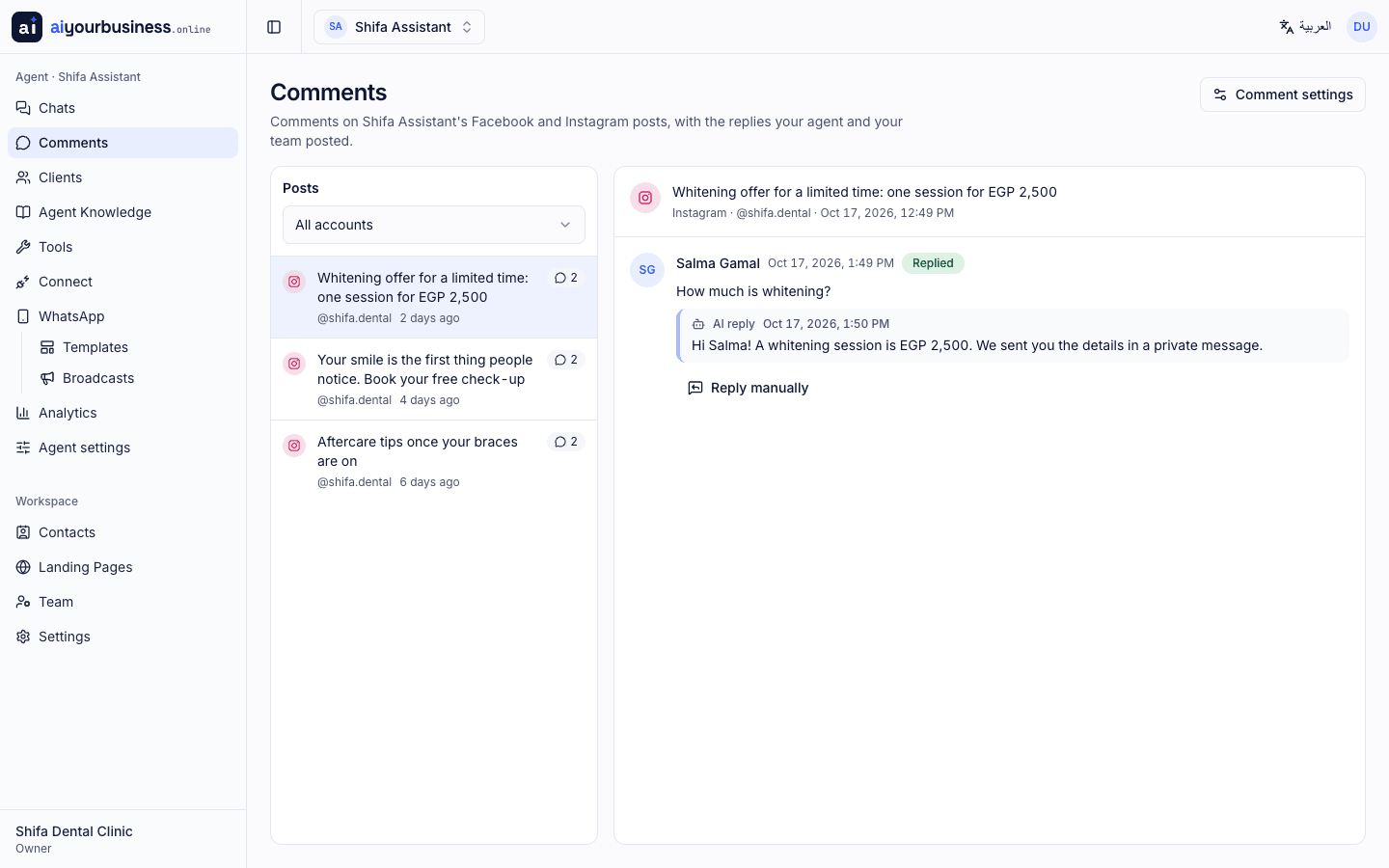
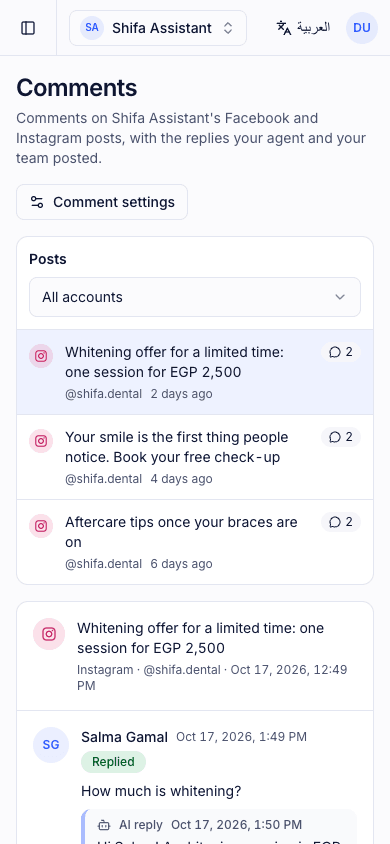
Comment replies
The assistant replies to comments on your posts publicly and continues the conversation in a private message when there is a sale to make.
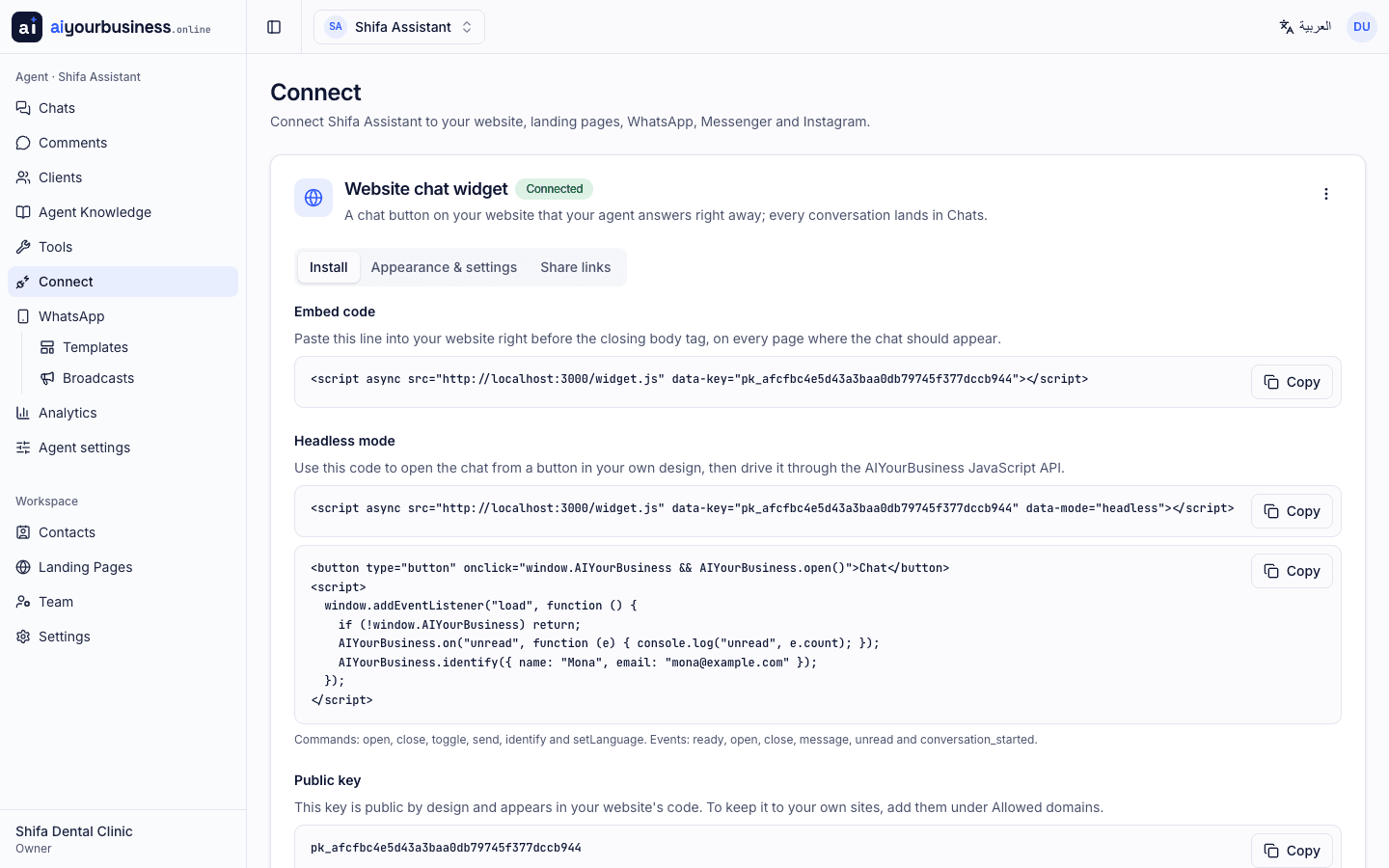
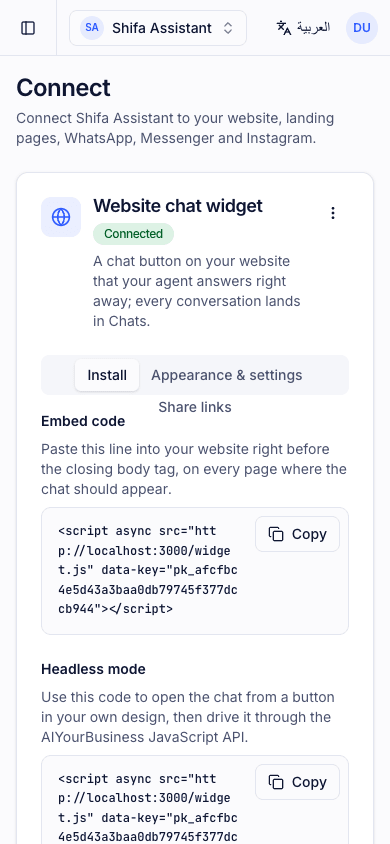
Website chat widget
Colours, position, launcher, avatar, welcome message, language and auto-open are yours to set. A headless JavaScript API and share links are included.
Hosted landing pages with custom domains
A page in your brand with a live chat, published on an aiyourbusiness.online link or on your own domain.
02
Inbox and CRM
Your team and the assistant work from the same screen.
Unified inbox
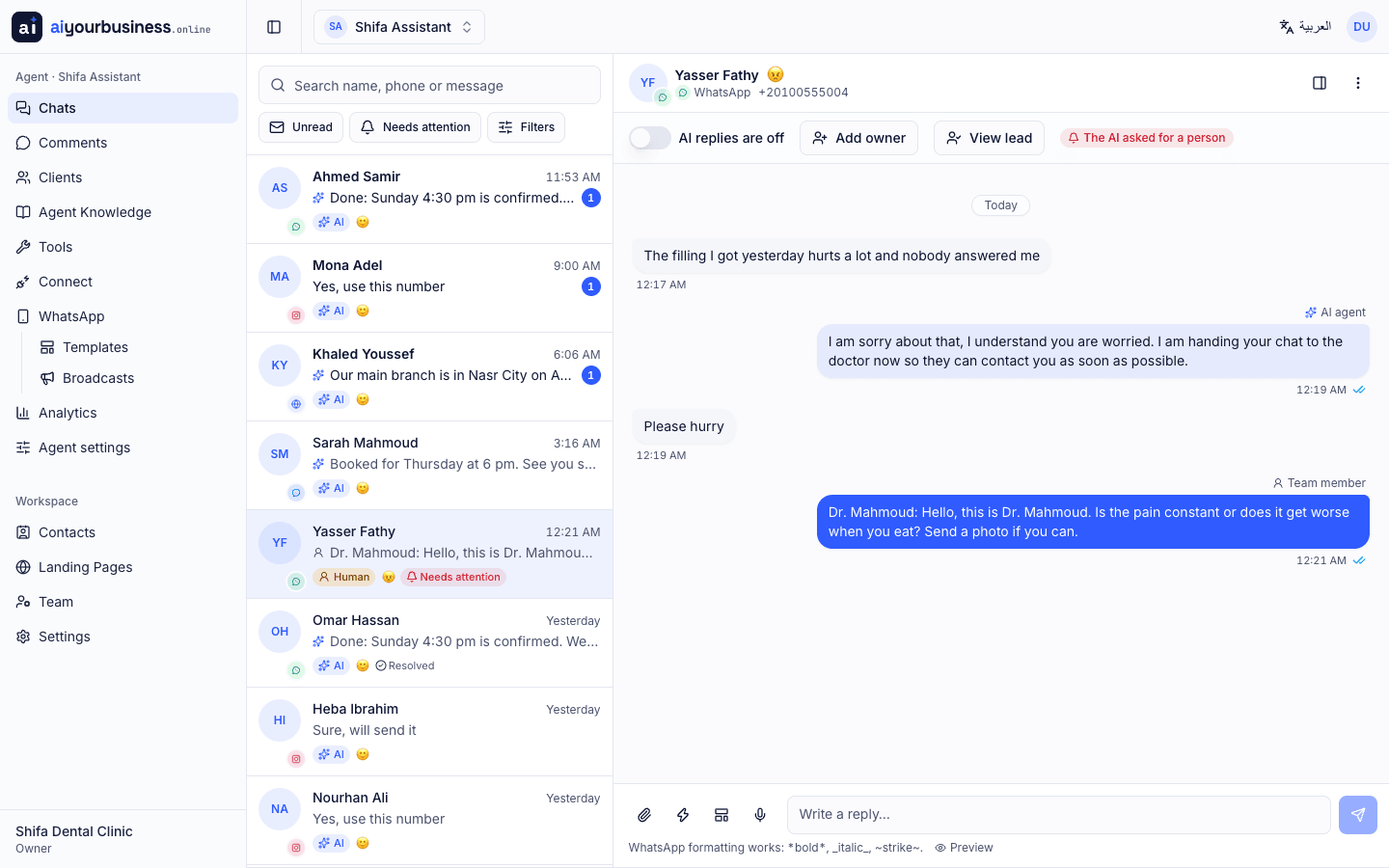
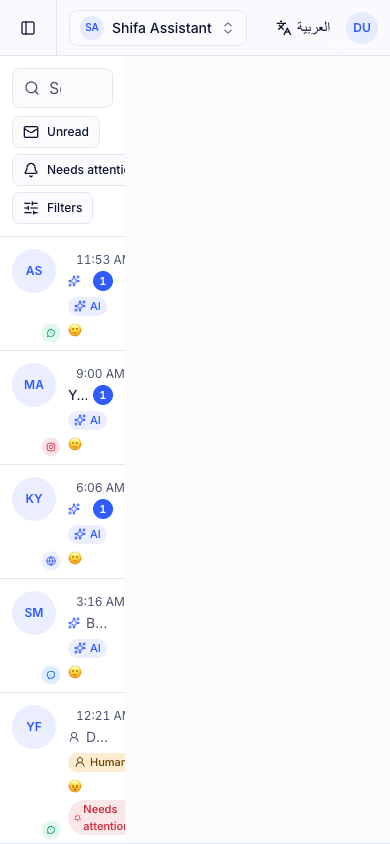
All conversations from all channels in one place: pin, mark unread or urgent, resolve, assign an owner and keep internal notes.
AI on or off per conversation, with human handover
Switch the assistant off for a single chat. When a person steps in, the assistant pauses until you hand the conversation back.
Mood score
Each conversation carries a mood score so your team spots unhappy customers first.
Saved messages
Reusable replies for your team, inserted with a click.
Voice notes with transcription
Voice notes are transcribed automatically so the assistant and your team can read and answer them.
Understands images and documents
Customers send photos, screenshots and PDFs; the assistant reads them and answers in context.
Automatic lead capture
Names, phone numbers, interests and status are extracted from the conversation into your clients list, without forms.
Custom fields and statuses
Define the fields and pipeline statuses your business needs; the assistant fills them in as it learns more.
Contacts and export
Leads and contacts are yours: export them as XLSX, CSV or JSON at any time.
03
Automation
The assistant keeps selling after the first reply.
Up to three AI follow-ups
The assistant follows up with hesitant customers up to three times, at the right moment and in their tone, then stops.
Comment-to-message replies
A public reply to the comment and a private message to the person, in one move.
Hand-off to a human
The assistant knows when to ask for a person: it requests a handover, pauses and notifies your team.
Lead status updates
As the conversation progresses, the assistant moves the lead along your pipeline.
Appointment booking
Bookings go straight into Google Calendar inside your business hours, with a reference the customer can quote.
04
Knowledge and tools
Everything the assistant knows, and everything it can do.
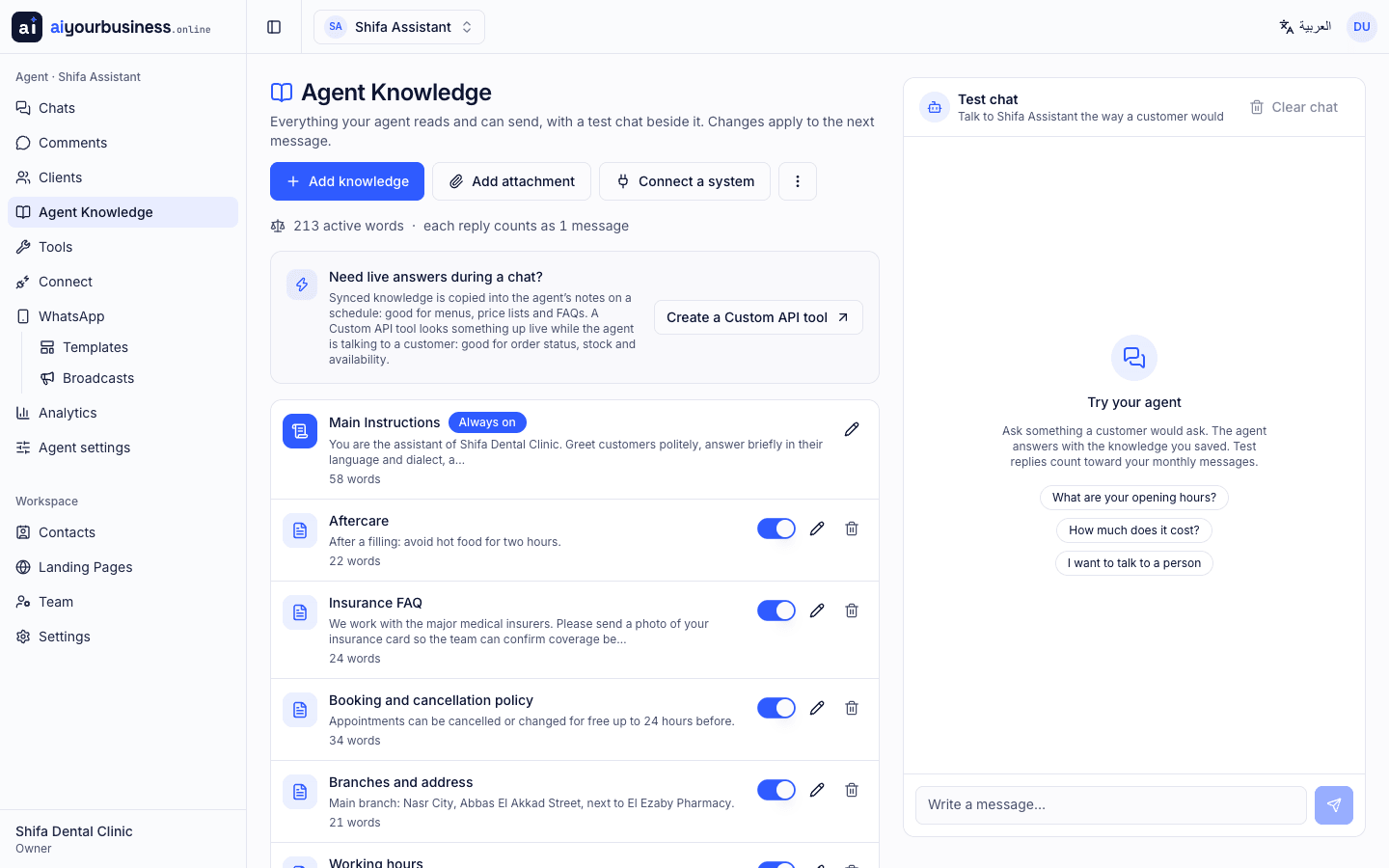
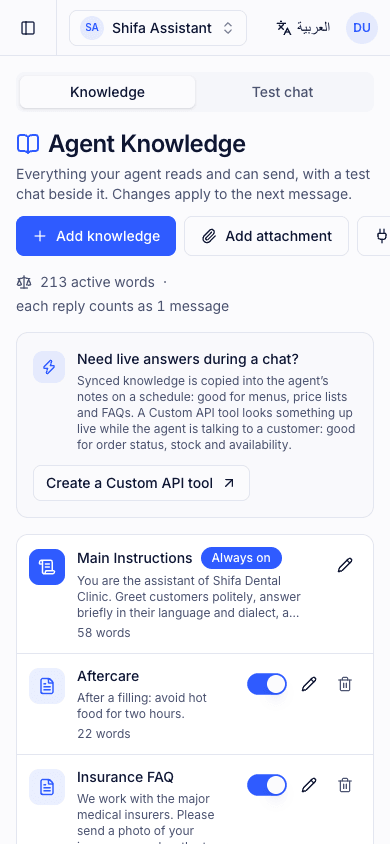
Instructions and knowledge base
Describe your business, tone and rules. Add text, PDF, DOCX and TXT files, and attachments the assistant can send to customers.
External knowledge sources
Sync product lists, prices or FAQs from a URL or API on a schedule, so answers never go stale.
Google Calendar booking
The assistant books appointments inside your business hours and avoids double bookings.
Google Sheets
Reads and writes rows in your sheets: orders, bookings, inventory.
Custom API tool
Call your own API with authentication, and see every request and response in the logs.
API Explorer
Reads your API documentation and runs GET requests and aggregations on its own to answer questions like "how many orders shipped today?"
Spreadsheets and charts
Generates spreadsheets and charts on the fly and sends them to the customer.
Rich replies
Buttons, cards and tables, rendered natively on WhatsApp, Messenger, Instagram and the web widget.
05
Internal management assistant
A second assistant for your own team, connected to your systems and data. Read-only, restricted to staff, and logged.
Connected systems through APIs
Connect your ERP, POS, accounting, booking or CRM system through its API, plus Google Sheets and any custom API.
Read-only database connector
A read-only connection to your company database, set up with you during implementation. The assistant can look, never change.
Aggregations and reports
Totals, comparisons and rankings worked out on the spot: sales per branch, profit and loss, stock levels, bookings, unpaid invoices.
Spreadsheets and charts
Ask for a spreadsheet or a chart and receive the file in the same conversation.
Request logs
Every question and every query it runs is logged, so you can see who asked what and when. Nothing is used to train AI models.
Staff allow-list
Only the people you list can use it: a staff-only WhatsApp line, the dashboard chat or private links.
06
Team, analytics and platform
Built for teams, in Arabic first.
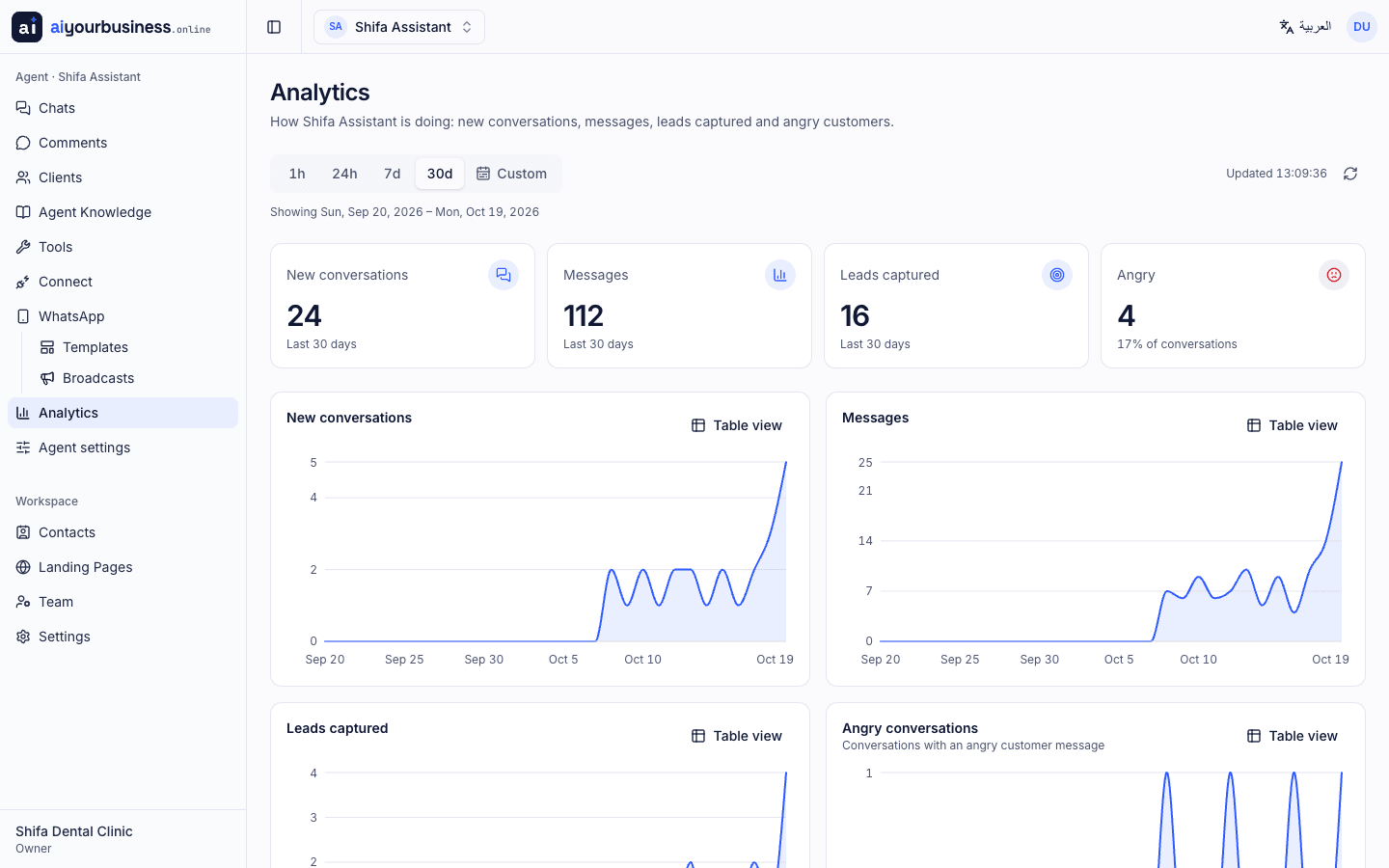
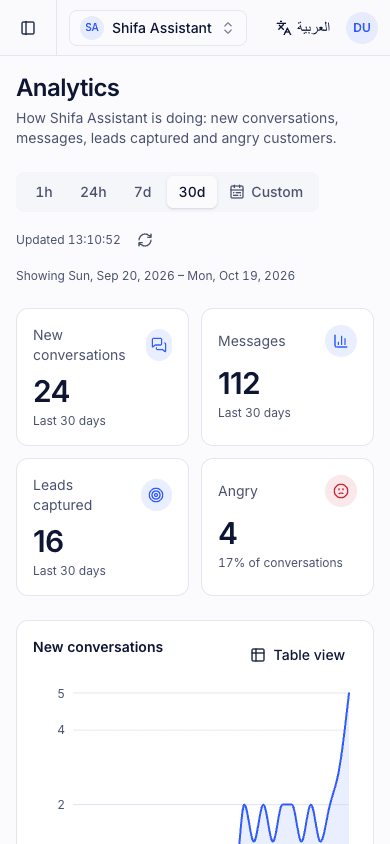
Analytics
Conversations, leads, response times and channel performance, by agent and by period.
Team roles and invitations
Owners, admins and agents. Invite colleagues by email or WhatsApp.
Public API and OpenAPI reference
Send WhatsApp messages from your own systems with scoped API keys; the reference is generated from the OpenAPI document.
Arabic first, right-to-left, plus English
The dashboard, the widget and the assistant work in Arabic by default, with English available.
Plans with clear quotas
Message, agent and integration limits per plan, with usage visible in your dashboard.
Dedicated implementation and onboarding
Our team connects your channels, trains the assistant on your business and hands over a working setup.
07
Deployment
Hosted by us in the cloud, or installed on your own servers.
Cloud, managed by our team
We host, update and monitor it. Nothing to install.
On-premises installation
The application, database and files run inside your own infrastructure.
Encrypted connection to the AI model
On your servers, the AI model is reached through an encrypted API connection.
Public HTTPS endpoint for WhatsApp
WhatsApp and Meta deliver messages through webhooks, so a public HTTPS endpoint is needed with either option.
Installation included
Installing on your servers is covered by the implementation fee.
FAQ
Questions about the features
Everything here exists in the product today. Ask the assistant in the live demo for anything else.
WhatsApp Business through Meta's official Embedded Signup, Instagram direct messages and comments, Facebook Messenger and page comments, and a chat widget on your website or a hosted page on your own domain. All of them land in one inbox.
Instructions you write, text, PDF, DOCX and TXT files, attachments it may send to customers, and external sources such as a product list or price list synced from a URL or API on a schedule.
Yes, in Google Calendar inside the business hours you set, without double bookings and with a reference the customer can quote.
Yes. It reads and writes Google Sheets, calls your own API with authentication and full logs, and the API Explorer reads your API documentation and runs read requests and aggregations on its own. For managers, the internal assistant connects to your ERP, POS, accounting or CRM through their APIs or a read-only database connection.
Yes. Voice notes are transcribed, and photos, screenshots and PDFs are read, so the assistant and your team answer in context.
Yes. Your team works from the same inbox, switches the AI off for any conversation, takes over when the assistant asks for a handover and hands back when done. Conversations carry notes, an owner and a mood score.
Building your own integration?
The public API lets your systems send WhatsApp messages that appear in the same inbox as the assistant and your team.